What tools help CPA firms grow their client base?
Short answer: CPA firms win new clients with five kinds of tools:
- A CRM to track leads
- A search and content presence so prospects can find them
- Advisory tools that justify higher fees
- Referral partnerships
- Practice management software that gives the firm room to take on, onboard and serve new clients without missing deadlines
The first four fill the pipeline. The fifth decides whether the firm can say yes. A firm that's already working at capacity in tax season can't grow by marketing harder. It needs to see where the hours go, standardize recurring work and make it easy for new clients to start working with it.
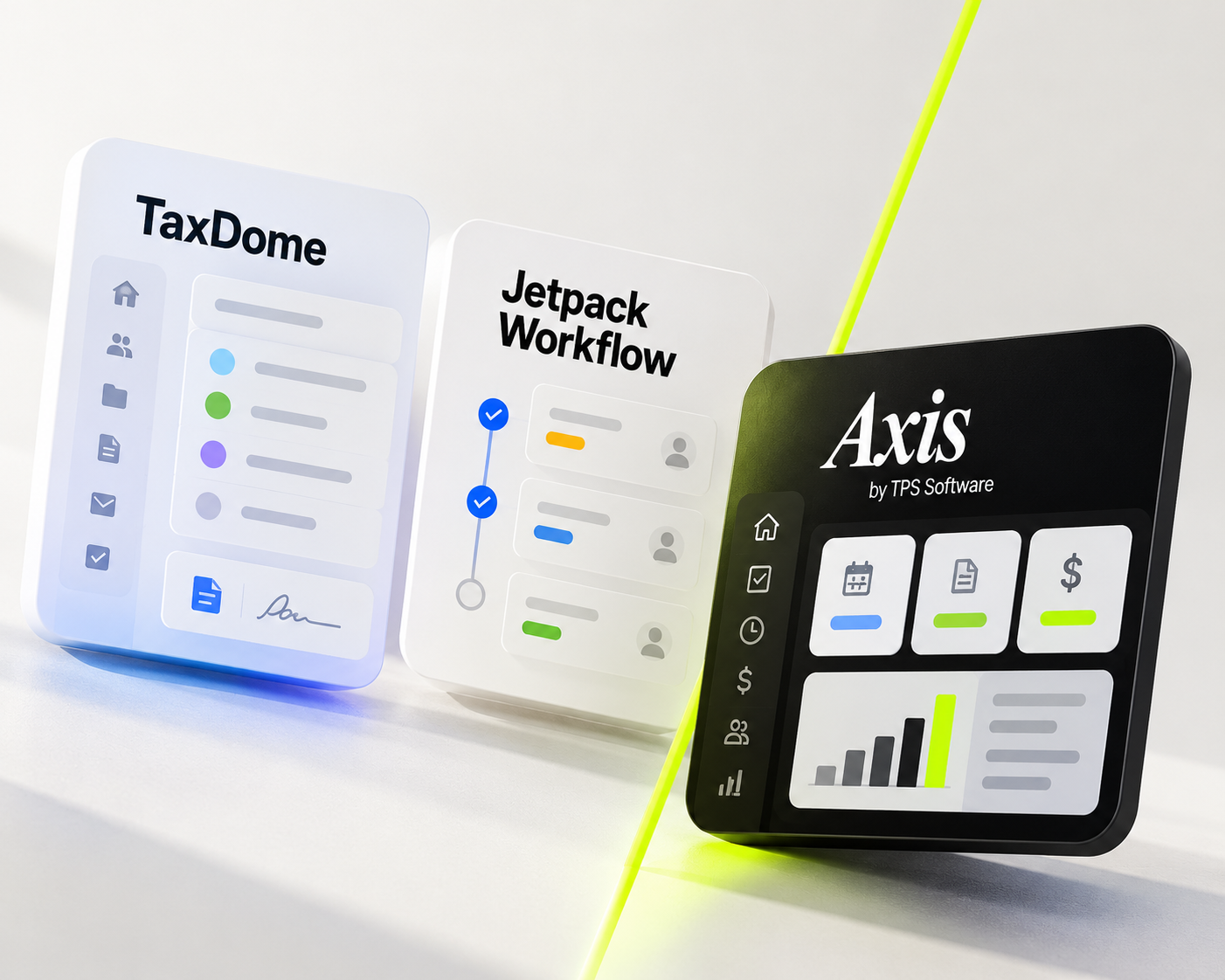
This guide covers each category and where Axis by TPS Software (formerly TPS Cloud Axis) fits.
The growth stack: pipeline tools
| Category | What it does for growth | Typical tools |
|---|---|---|
| CRM | Tracks prospects, follow-ups and nurture emails so leads don't go cold | HubSpot, Salesforce |
| Search and local presence | Helps the firm rank for searches like "small business CPA near me" and get cited in AI answers | Google Business Profile, SEO, a firm blog |
| Content and email | Builds trust before a prospect calls: tax-season guides, niche newsletters, webinars | Mailchimp, Constant Contact, podcast and webinar platforms |
| Targeted outreach | Reaches business owners and CFOs in chosen niches | LinkedIn Sales Navigator |
| Advisory services | Shifts the firm from compliance-only work to higher-value, year-round engagements | CPA.com CAS resources, Fathom, Jirav |
| Referral partners | Turns attorneys, bankers, bookkeepers and existing "A" clients into a steady referral source | Formal center-of-influence (COI) partnerships, a structured referral ask |
Each of these brings in demand. None of them tells you whether your team has the hours to serve a new client in March.
The overlooked layer: capacity
Most growth advice stops at the pipeline. For accounting firms, the real constraint usually comes after the "yes". The signs are familiar:
- No one can see the workload. Schedules live in spreadsheets, inboxes and personal calendars, so nobody knows whether there's room for ten more returns.
- Every person does the work their own way. In one firm's words: what worked with 10 clients starts to fall apart as the firm grows.
- Onboarding is manual. New clients email documents, sign engagement letters on paper and pay by check, and each step needs a follow-up.
- Billing lags the work. Time sits unbilled, so growth adds revenue on paper long before cash arrives.
A quick capacity check before you spend on marketing:
Available hours = scheduled hours − non-billable time − planned time off
Compare available hours with the hours your committed work needs over the next 4–12 weeks, and do it by role, not just in total. If preparers are already booked solid, new clients need more preparer hours, or work moved to another time. A bigger marketing budget won't fix that.
For a full method, see capacity planning for accountants.
Where Axis by TPS Software fits
Axis is practice management software built only for accounting firms. It doesn't replace your CRM or your marketing. It's the system that lets the firm take on the clients those tools bring in.
| Growth bottleneck | How Axis helps | Plan |
|---|---|---|
| Not knowing if there's room for new work | Capacity Planning Tool, Firm Calendar and Employee Calendar show each person's assigned work | Pro, Ultimate |
| Inconsistent processes as headcount grows | Workflow templates with predefined tasks and default assignees. When a task is completed, the next one starts automatically | Pro, Ultimate |
| Setting up recurring work for many clients | Bulk Create schedules the same task or event across many clients at once | Pro, Ultimate |
| Collecting documents from new clients | Secure client portal with unlimited storage, plus upload links that don't require a client login | Ultimate |
| Engagement letters and signatures | TPS E-Sign, with knowledge-based authentication (KBA) | Ultimate |
| Getting paid without chasing | Online payments through CPACharge, Stripe, PayPal, Clover or PayClix, applied to AR automatically | Ultimate |
| Keeping in touch with existing clients | Mass Mail, a communication log and two-way email | Pro, Ultimate |
| Finding growth in the current client base | Clients grouped by category, service or year end, with reports on activity, gaps and service trends | Pro, Ultimate |
| Billing that keeps up with growth | Time and billing, WIP, batch invoicing and Bill All Outstanding WIP in Batch | All plans |
| Seeing the firm's numbers | Power BI Firm Insights & Dashboards | Ultimate |
Pricing (USD, per user per month): Entrepreneur $18, Pro $25, Ultimate $34. No onboarding fee and no annual prepayment required. Moving data over from an on-premise system typically costs $350–$750 and takes about 3–4 business days.
From an Axis customer, Parms + Company: "The other system had way too many bells and whistles we didn't use."
A practical growth plan by firm stage
| Firm stage | Pipeline focus | Capacity focus |
|---|---|---|
| Solo or 2–3 people | Google Business Profile, one niche, referrals from bookkeepers and bankers | Get time and billing out of spreadsheets so every billable hour is captured (Axis Entrepreneur) |
| 4–10 people | A CRM, a regular newsletter, two or three COI partners | Standardize recurring work with workflow templates, and see each person's workload on calendars before saying yes (Axis Pro) |
| 10–50 people | Content, LinkedIn outreach and packaged advisory services | Faster client onboarding through the portal, e-signatures and online payments, plus firm dashboards (Axis Ultimate) |
| Multi-office | Office-level marketing, shared brand | Multiple Office & Consolidation, and staff assigned across offices (Axis Ultimate) |
A simple rule: before each marketing push, run the capacity check. Grow the pipeline as fast as the team can absorb the work, and not faster.
FAQ
What is the most effective way for a CPA firm to get new clients?
Most firms rely on referrals and a strong local search presence. They work best when the firm specializes in a niche and makes it easy for referral partners to send clients its way.
Do CPA firms need a CRM and practice management software?
They do different jobs. A CRM manages prospects before they become clients. Practice management software runs the work after they sign: workflows, deadlines, time, billing and client communication.
How does practice management software help a firm grow?
It shows whether the team has capacity, makes recurring work repeatable and speeds up onboarding and billing. That lets a firm add clients without adding missed deadlines.
Is Axis by TPS Software a CRM?
No. Axis is practice management software for accounting firms. It covers client management, workflow, time and billing, a client portal, e-signatures and online payments.
How much does Axis cost?
Entrepreneur is $18, Pro is $25 and Ultimate is $34 per user per month (USD), with no onboarding fee.
How long does it take to move to Axis?
Moving data from an on-premise system typically takes about 3–4 business days and costs $350–$750, depending on how much history is converted.