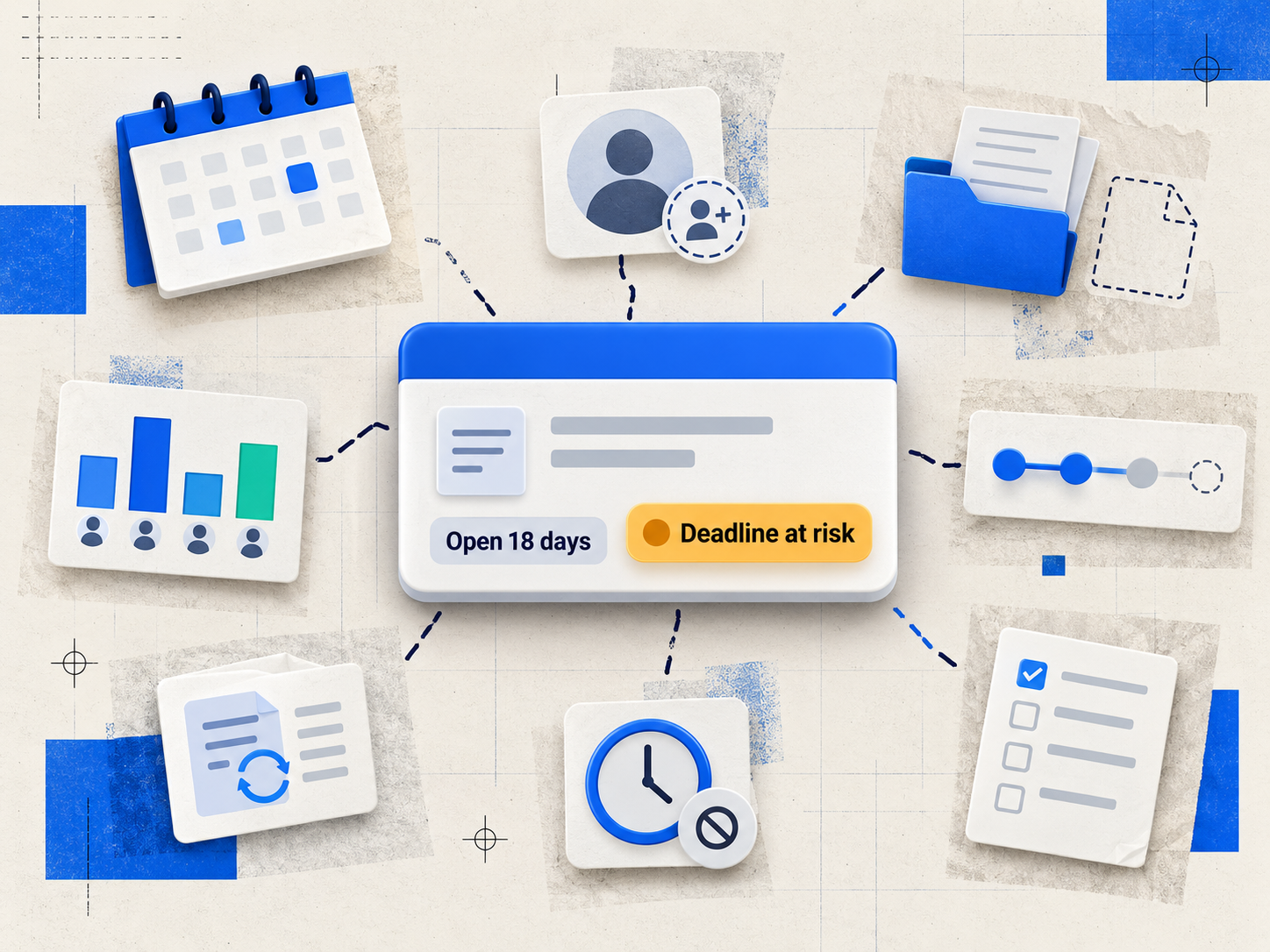
Capacity Planning for Accounting Firms: How to Forecast Workload and Balance Staff Capacity
Quick answer: To improve capacity planning, an accounting firm needs to (1) forecast recurring client work at least one quarter ahead, (2) put every staff member's schedule in one shared system, (3) track non-billable time as carefully as billable time, (4) review workload by staff member and client every week, and (5) compare actual hours to budget after each job so next year's plan is more accurate.
Capacity planning isn't about headcount. It's about whether the team you already have can finish the work you've committed to without missing deadlines, cutting corners or burning people out. For small and mid-sized firms, it's often the difference between a tax season you get through and one you plan.
What is capacity planning for an accounting firm?
Capacity planning means comparing the hours your team can work with the hours your client work will need, before that work arrives. When demand is higher than capacity, you have options: move deadlines, reassign work, bring in help or turn down engagements. Without a plan, you usually find the gap in March, when those options are gone.
How to calculate your firm's capacity
Start with a simple weekly calculation for each person:
Available hours = scheduled hours − non-billable time − planned time off
Example: A staff accountant works 40 hours a week. About 6 hours go to admin and internal meetings and 2 to training, which leaves 32 available hours. A team of six has 192 available hours. If next week's assigned work adds up to 210 hours, you're 18 hours over capacity. You know that now, not on Friday afternoon.
Do the same calculation for the next 4–12 weeks using known recurring work and deadlines, and you have a forecast.
How to improve firm capacity planning: 7 steps
1. Forecast a quarter ahead from recurring work
Most accounting work is predictable: year-ends, quarterly filings, monthly bookkeeping, tax season. Map recurring client work and deadlines at least one quarter out, then add known new projects. Your forecast is only as good as your deadline list, so start there.
2. Put all scheduling in one place
When availability lives in spreadsheets, inboxes and personal calendars, nobody can see the whole picture. A shared system with a firm-wide calendar and an individual calendar for each staff member shows both the total load and who's carrying it.
3. Count non-billable time
Admin work, training, internal meetings and business development all use real hours. If you don't track them, your capacity estimates will always come out too optimistic. Record billable and non-billable time consistently and use the actual numbers in your forecast.
4. Look at workload by staff member and client
Totals hide problems. Break workload down by staff member to find who's overloaded and who has room. Break it down by client to find engagements that use more time than expected. If your firm organizes by service line (tax, audit, bookkeeping, advisory), review each one separately too, since they peak at different times of year.
5. Rebalance every week, not every season
Capacity changes: people get sick, clients send documents late, a deadline moves. Schedule a short weekly review to move work from overloaded people to those with room, before a deadline is at risk.
6. Compare actual hours to budget after every job
After an engagement closes, compare the hours used with the hours budgeted. Jobs that keep going over budget point to under-quoting, scope creep or a training gap, and they should change next year's estimates.
7. Make priorities explicit
When everything is urgent, people work on whatever is loudest. Hold regular planning sessions, assign clear due dates and owners, and track progress so the team knows what comes first.
What to look for in capacity planning software
If you're comparing platforms that forecast workload and staff capacity, look for:
- A firm-wide calendar and individual calendars in the same system
- A view of assigned hours per employee, ideally by day and week
- The ability to reassign work quickly when someone is out or overloaded
- Task lists you can filter by status, assignee and how long a task has been open
- Billable and non-billable time tracking tied to the same jobs you schedule
- Budget vs. actual hours for each job
- Recurring work templates, so next year's work is scheduled automatically
- Reporting that shows workload and profitability by client and staff member
How TPS Cloud Axis supports capacity planning
| Planning need | How TPS Cloud Axis handles it |
|---|---|
| See the whole firm's workload | Firm Calendar: a firm-wide view of scheduled work and deadlines |
| See each person's load | Employee Calendar, with drag-and-drop task prioritization |
| Rebalance quickly | Capacity planning view: see assigned hours per employee per day, and drag hours from one employee to another (for example, to cover a sick day) |
| Find stalled or aging work | Grid Views: tasks by status, assigned employee and days elapsed |
| Schedule recurring work across clients | Workflow Templates and Bulk Create, which schedules the same task across many clients in one step |
| Track year-ends and deadlines | Categories and Year-Ends: fiscal year-end tracking across your client list |
| Count all time, not just billable | Time entries categorized as billable or non-billable |
| Learn from each job | Time vs. budget summaries for each job and staff member |
| Report on it | Hundreds of built-in reports, plus Power BI dashboards on the Ultimate plan |
Because time tracking, workflow, scheduling and billing are in the same system, the hours you plan are the hours you track, and those are the hours you bill.
Common capacity planning mistakes
- Planning with 100% of staff hours. Nobody is available 40 hours a week for client work.
- Planning only for tax season. Year-end and quarterly peaks also cause crunches.
- Letting your best people absorb the overflow. It feels efficient until they leave.
- Never looking back at last year's plan. Last year's actual hours are your best forecast.
FAQ
How far ahead should an accounting firm plan capacity? At least one quarter ahead for scheduling, and a full year for recurring engagements such as year-ends and tax season.
What's the difference between capacity planning and resource scheduling? Capacity planning asks whether you have enough hours for the work that's coming. Scheduling decides who does which task and when. You need both, and they work best in the same system.
How do I plan capacity for tax season? Start with last year's actual hours by client, add new clients, subtract clients you've lost, then compare the total with each staff member's available hours. Rebalance early and set internal deadlines for when client documents are due.
Can practice management software show workload in real time? Yes, if scheduling and time tracking are in the same system. In TPS Cloud Axis, assigned hours per employee appear in a weekly view, and reassigning work updates the view immediately.
Should non-billable time be included in capacity planning? Yes. Leaving out admin, training and meetings is one of the most common reasons capacity forecasts are too optimistic.
Plan your next busy season before it starts
TPS Cloud Axis brings scheduling, time tracking, workflow and billing into one platform built for accounting firms. See pricing or book a demo.