Quick answer: To manage a remote accounting team, set written expectations for hours, response times and priorities. Run every job through one shared system so anyone can see who is doing what and what's due next. Then keep a regular rhythm of one-on-ones and team check-ins. Remote teams tend to struggle with visibility more than effort.
Remote and hybrid work is now normal for many accounting firms. The hard part isn't getting work done from home. It's knowing, without asking, where every job stands.
What makes managing a remote accounting team different?
In an office, managers pick up status by walking past desks. Remotely, that signal disappears. Without a shared system, work status lives in individual inboxes and spreadsheets, and deadlines slip without anyone noticing until the last minute.
Remote management means replacing those informal signals with deliberate ones: shared workflows, visible workloads and scheduled conversations.
1. Write down expectations
Ambiguity is a common source of remote friction. Document:
- Core hours when people should be reachable
- Expected response times by channel (chat, email, phone)
- How priorities are set during busy season
- Which channel to use for what
Revisit the document before each tax season, when priorities change.
2. Run every job through one system
A remote team needs one place where jobs, deadlines, client communication and documents live. If status lives in personal spreadsheets, managers end up chasing it by message.
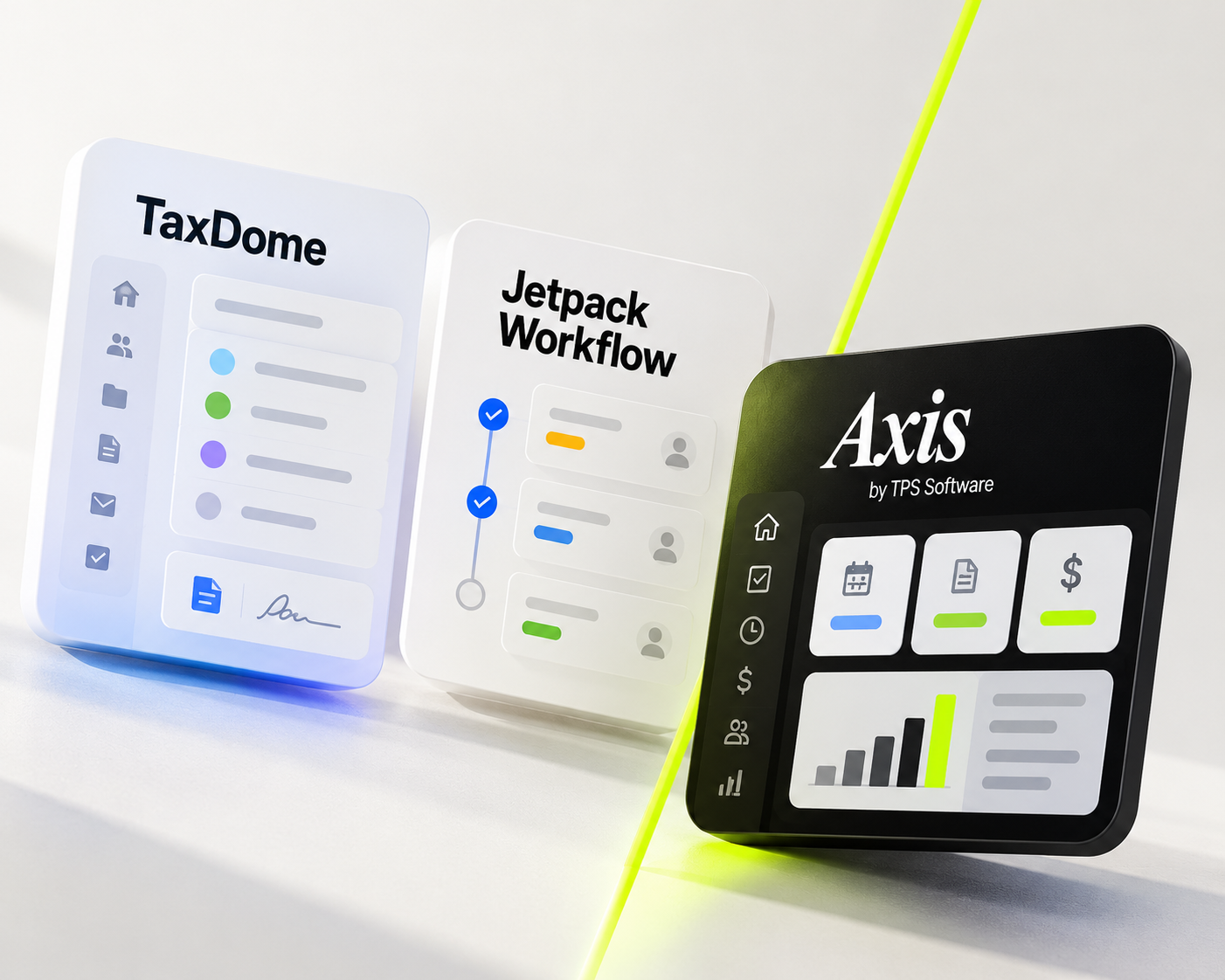
In Axis: Axis by TPS Software is cloud practice management software for accounting firms. Client records, tasks, deadlines and two-way email live in one shared system the whole team can reach from anywhere. See how Axis works.
3. Standardize recurring work with workflow templates
When every staff member runs a payroll or a return their own way, quality varies and handoffs break. A template defines the steps, their order and who does each one, so the process is the same no matter who runs it.
In Axis: On the Pro and Ultimate plans, workflow templates save a job's task sequence and default assignees. When one task is marked complete, the next becomes ready and its owner is notified, so handoffs don't wait on a message. Bulk Create schedules the same task or service for multiple clients at once. Read the accounting workflow guide.
4. Make workloads visible
"We don't know what everyone is working on" is a familiar problem in remote firms. Managers need two views: a summary of whether each job is on track, and the task detail when something stalls.
Use workload visibility to balance work fairly, not to monitor minutes. If one person is always overloaded, that is a planning problem.
In Axis: Grid Views list tasks by status, assigned employee and days elapsed, so stalled work stands out. Each staff member's Employee Calendar shows their assigned work, and the Capacity Planning Tool helps you see workload across the team before you assign more. Read about capacity planning.
5. Keep a steady communication rhythm
Remote teams need scheduled contact, because spontaneous contact rarely happens. A simple rhythm:
- A short weekly team meeting on priorities and deadlines
- A recurring one-on-one with each staff member
- A larger all-staff meeting monthly or quarterly
Keep meetings short, with clear agendas. During busy season, protect focus time.
6. Give people room to grow
Remote staff can become invisible for promotions and new responsibilities. Offer stretch work, such as leading a client group or owning a template, to people who want it. Recognize good work publicly so the whole team sees it.
7. Respect boundaries and build connection
Flexibility is one of the main benefits of remote work, so protect it. Don't expect after-hours replies, and accept that home life sometimes interrupts.
Build connection deliberately with small-group video calls, a non-work chat channel, or an occasional in-person day. Small groups of 4–6 people work better than large calls.
8. Equip your team properly
A second monitor, a decent headset and reliable software cost little compared with lost productivity. A home-office stipend is a simple way to cover it.
Give your remote team one place to work
Remote teams work best when nobody has to ask "where is this?". Axis by TPS Software (formerly TPS Cloud Axis) brings client records, workflow, deadlines and client communication into one cloud system built for accounting firms.
Book a free guided walkthrough or compare Axis plans and pricing.
Frequently asked questions
How do you track a remote accounting team's work?
Use a shared practice management system where every job has tasks, owners and due dates. Managers then see progress without asking for status updates.
What software does a remote accounting firm need?
At minimum: cloud practice management (clients, workflow, deadlines), a secure client portal for documents, and a team chat or video tool.
How often should remote accounting managers hold one-on-ones?
Weekly or every two weeks is common. Keep them consistent, even in busy season.
How do you stop deadlines slipping on a remote team?
Put every deadline in one shared system, use workflow templates so steps aren't skipped, and review upcoming deadlines in a weekly team meeting.
Related reading: Why Is My Accounting Firm Missing Deadlines? · How to Manage Deadlines at an Accounting Firm