Time tracking software for accountants should record every hour against a client, a job and a work code, separate billable from non-billable time, warn you when a job runs over budget, and send approved time straight into WIP and billing. A generic timer only does the first part, and that's where most missed billable hours start.
This guide covers what to look for, how to get your team to track time consistently, and how time tracking connects to billing. It's written for owners, partners and practice managers at small and mid-sized accounting and CPA firms.
Why do accounting firms need time tracking built for accountants?
Accounting firms need time tracking that understands clients, engagements and billing, because the hours only matter once they turn into an accurate invoice and a reliable budget.
A generic timer tells you that someone worked 6 hours on Tuesday. A firm needs to know more:
- Which client and which job the hours belong to, such as a year-end engagement rather than the client's monthly bookkeeping.
- What kind of work it was, through work codes that match how the firm reports and bills.
- Whether it can be billed. Admin, training and internal meetings use real hours but should never land on an invoice.
- Whether the job is on budget, while there's still time to do something about it.
- What's still unbilled, including work already covered by a progress bill.
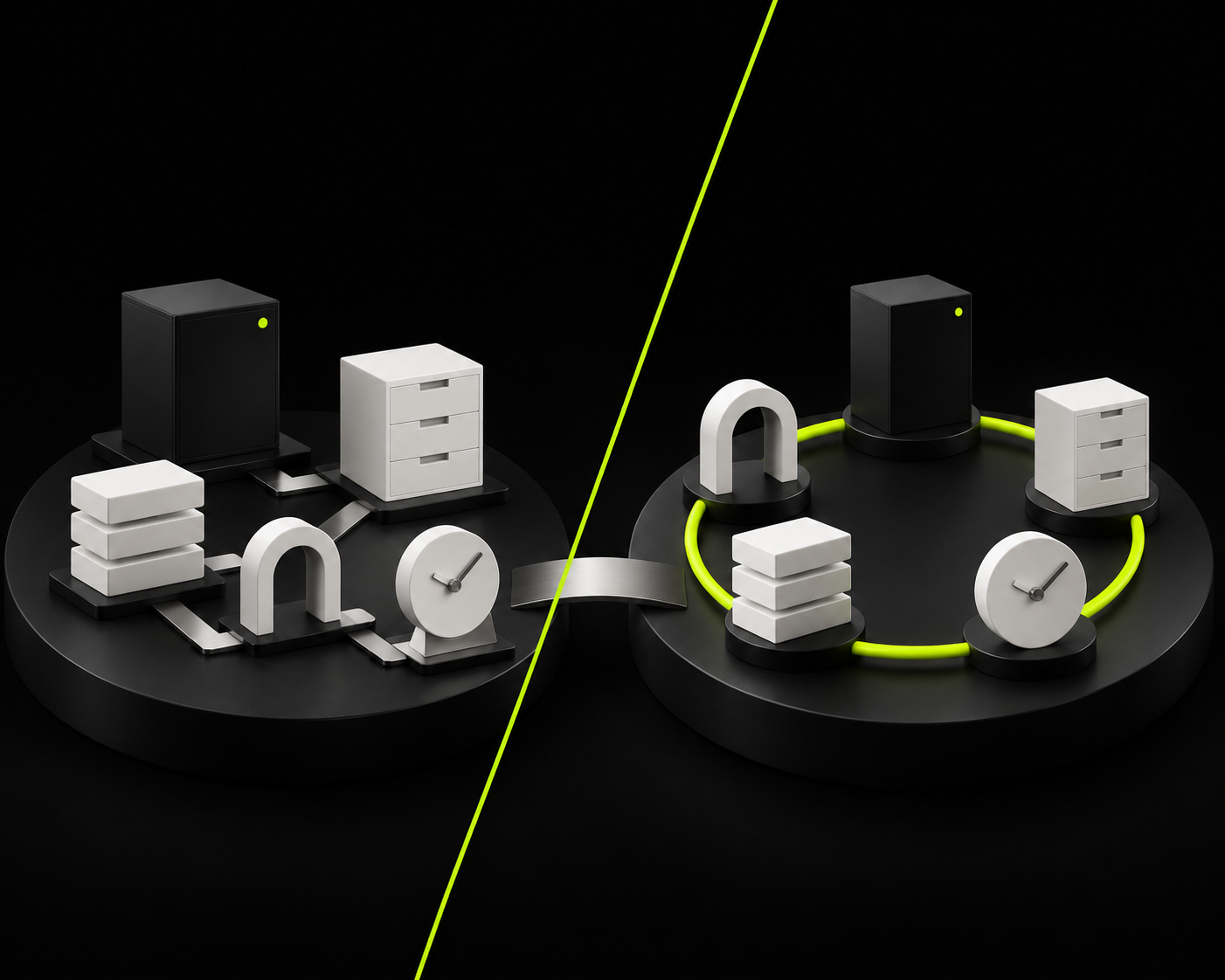
When time lives in a separate tool, someone has to move it into billing by hand, and the details that partners need for review get lost on the way.
What features matter in accounting time tracking software?
The features that matter are the ones that keep time accurate at entry and usable at billing. Use this table when you compare options:
| Feature | Why it matters | Question to ask |
|---|---|---|
| Time entry by client, job and work code | Billing review starts from clean data | Can staff pick the engagement and work code on every entry? |
| Timer and manual entry | People work differently, and some time is logged after the fact | Can staff use both, on the same job? |
| Chargeable vs. non-chargeable time | Admin time is tracked but never billed | Can non-chargeable time be coded so it can't reach an invoice? |
| Budget alerts | Overruns get caught while the work is fresh | Does it flag time that goes over the job's budget? |
| Billing rates | Rates differ by person, client or type of work | Can one person have more than one rate? |
| Connection to WIP and invoicing | No re-keying between systems | Does approved time flow into WIP and draft invoices? |
| Planning view | You can compare planned hours with actual hours | Can managers see each person's assigned hours? |
| Price and billing terms | The real cost for your team size | Is it billed per user, monthly or annually, and what's included? |
Should your team use a timer or manual entry?
Use both. A timer is more accurate for focused work at a desk, and manual entry covers the time a timer misses, such as a client call taken away from the computer.
What matters more than the method is when the time gets entered:
- Same day, not end of week. Time entered from memory on Friday is usually short, and the missing hours are the ones nobody bills.
- Against the job, not just the client. "4 hours, Smith Ltd." doesn't tell you whether the year-end ran over budget.
- With a work code every time. It's what makes reports and invoices usable later.
How do you get staff to track time consistently?
Staff track time consistently when it's quick to do, part of how work gets done, and clearly used for something.
- Make it part of the task. If time is logged inside the job people are already working on, it's one step, not a separate chore.
- Track non-billable time too. If only billable time is recorded, you can't see where the rest of the week went, and capacity plans come out too optimistic.
- Set budgets per job. A budget turns time tracking from a record into an early warning.
- Review it every week. A 10-minute look at missing entries and over-budget jobs keeps the data honest.
- Show people why it matters. Share what the numbers changed: a re-priced engagement, a fairer workload, a job that got more budget next year.
Is time tracking software the same as time and billing software?
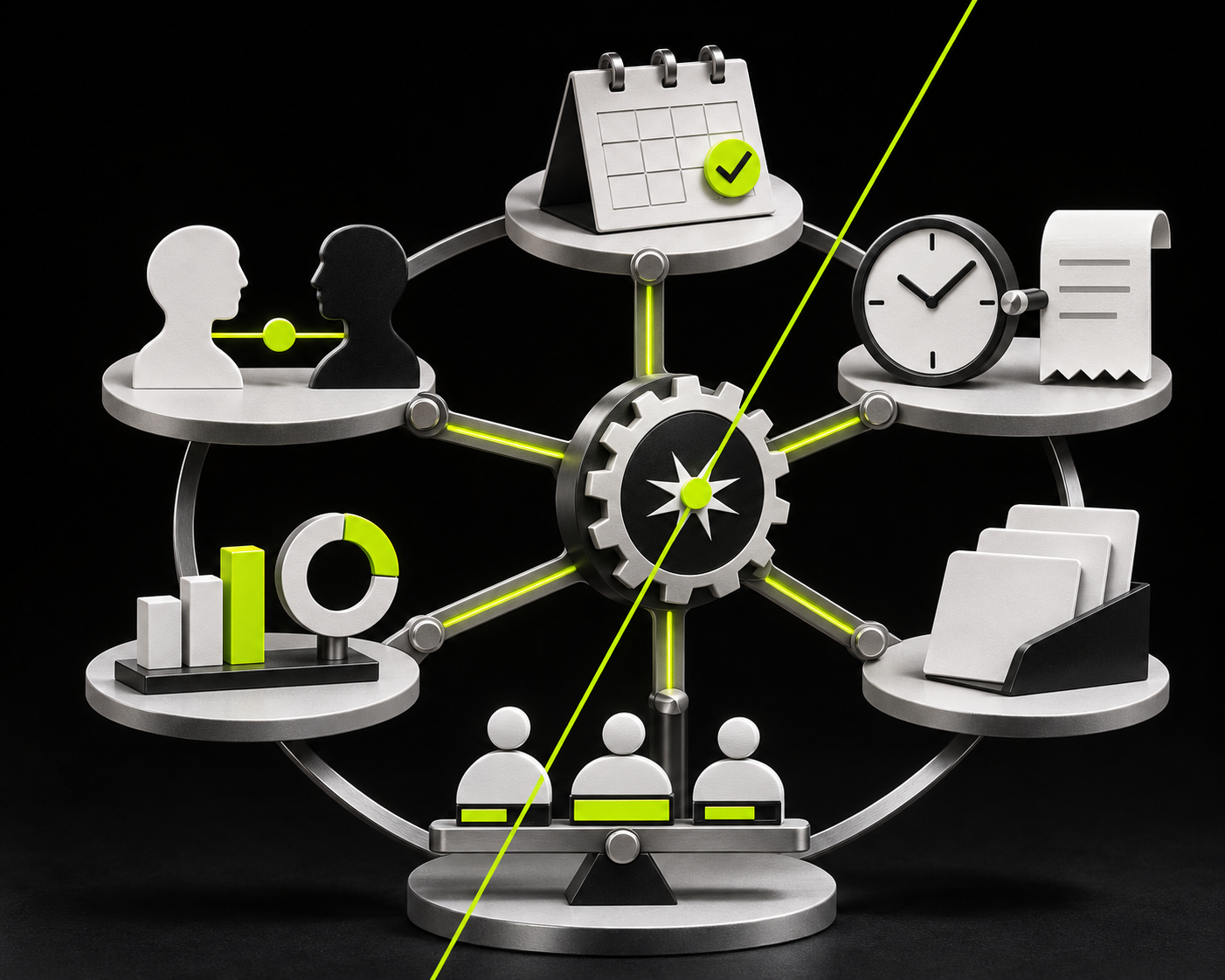
No. Time tracking software records hours. Time and billing software also turns those hours into WIP, invoices and receivables. Practice management software adds the work itself: tasks, deadlines and capacity.
| Approach | What you get | Where it breaks |
|---|---|---|
| Spreadsheet or generic timer | Hours per person | Time is re-keyed into billing; no budgets or WIP |
| Separate time tracking app | Clean time entry and timesheets | Time still has to move into the billing system |
| Time and billing in practice management | Time, budgets, WIP, invoices and the work itself in one record | Needs setup: work codes, rates and budgets |
For most accounting firms, the third option removes the most manual work, because the same entry is used for budget checks, WIP, the invoice and the capacity plan. If you're comparing systems on the billing side, see our page on time and billing software for accountants.
If you're also deciding whether to bill by the hour at all, our article on time tracking vs. value billing covers both models. Even firms on fixed fees track time, because it's the only way to know whether a fee covers the work.
How does Axis by TPS Software handle time tracking?
Axis by TPS Software (formerly TPS Cloud Axis) records time against the client, the engagement and a work code, and keeps that entry attached all the way to the invoice.
- Timer or manual entry. Staff can use either.
- Chargeable and non-chargeable time. Admin time is coded non-chargeable, so it's tracked but never billed.
- Billing rates. Each employee can carry several billing rates, so the same person can bill at different rates by client or type of work.
- Issues filter. It flags time that goes over a job's budget, and chargeable time logged to a non-chargeable client.
- WIP and billing in the same system. Unbilled time builds up as WIP, and WIP nets progress bills against unbilled work. Partners create draft invoices they can edit before sending.
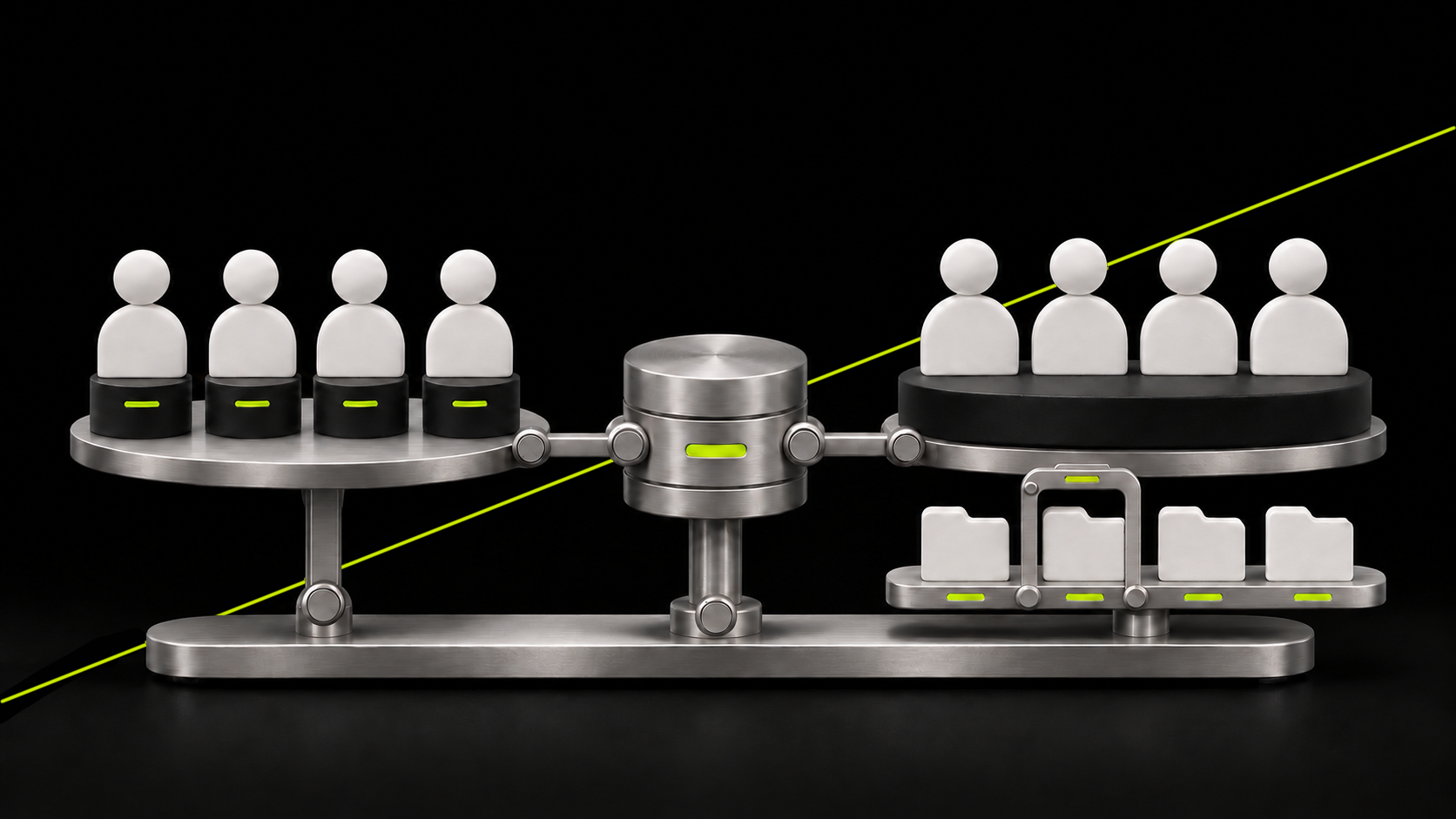
- Planning next to actuals. The Capacity Planning Tool shows each person's assigned hours by day, and the Employee Calendar shows each person's tasks.
Plans start at $18 USD / $24 CAD per user per month (Entrepreneur), billed monthly with no annual commitment. Pro is $25 USD / $36 CAD and Ultimate is $34 USD / $48 CAD. See plans and pricing.
Common time tracking mistakes in accounting firms
- Tracking only billable time. You lose sight of where the rest of the week goes.
- Logging to the client, not the job. Budgets and profitability by engagement become guesswork.
- Entering time at the end of the week. Hours go missing, and they're usually billable ones.
- Keeping time in a separate tool. Every re-keyed entry is a chance for an error or a missed hour.
- Never looking at budget vs. actual. Last year's overruns become next year's underpriced engagements.
For how tracked hours feed your workload plan, see our guide to capacity planning for accountants.
FAQ
What is the best time tracking software for accountants?
The right choice depends on how your firm bills and how much you want in one system. Look for time entry by client, job and work code, a timer and manual entry, non-billable codes, budget alerts, and a direct path from approved time to WIP and invoices.
Do accountants need to track non-billable time?
Yes. Admin, training and internal meetings use real hours. If you don't track them, you can't see where the week went, and your capacity plans and fees are built on hours that don't exist.
Can time tracking software track time by client and job?
It should. For an accounting firm, time logged only to a person or a client isn't enough. Each entry needs the engagement and a work code, so you can check the budget and bill it correctly.
How much does time tracking software for accountants cost?
It depends on the tool and whether billing and practice management are included. Compare the full yearly cost for your team, including billing terms, onboarding and add-ons. Axis starts at $18 USD / $24 CAD per user per month, billed monthly.
What is the difference between time tracking and timesheet software?
Timesheet software records hours per person, usually by day or week. Time tracking software for accountants goes further: each entry is tied to a client, job and work code, checked against a budget, and carried into WIP and billing.
See how Axis tracks time to the invoice
Axis by TPS Software keeps time tracking, budgets, WIP and billing in one system built for accounting firms. Book a free demo.