Accounting Workflow: 4 Levels From Beginner to Complex
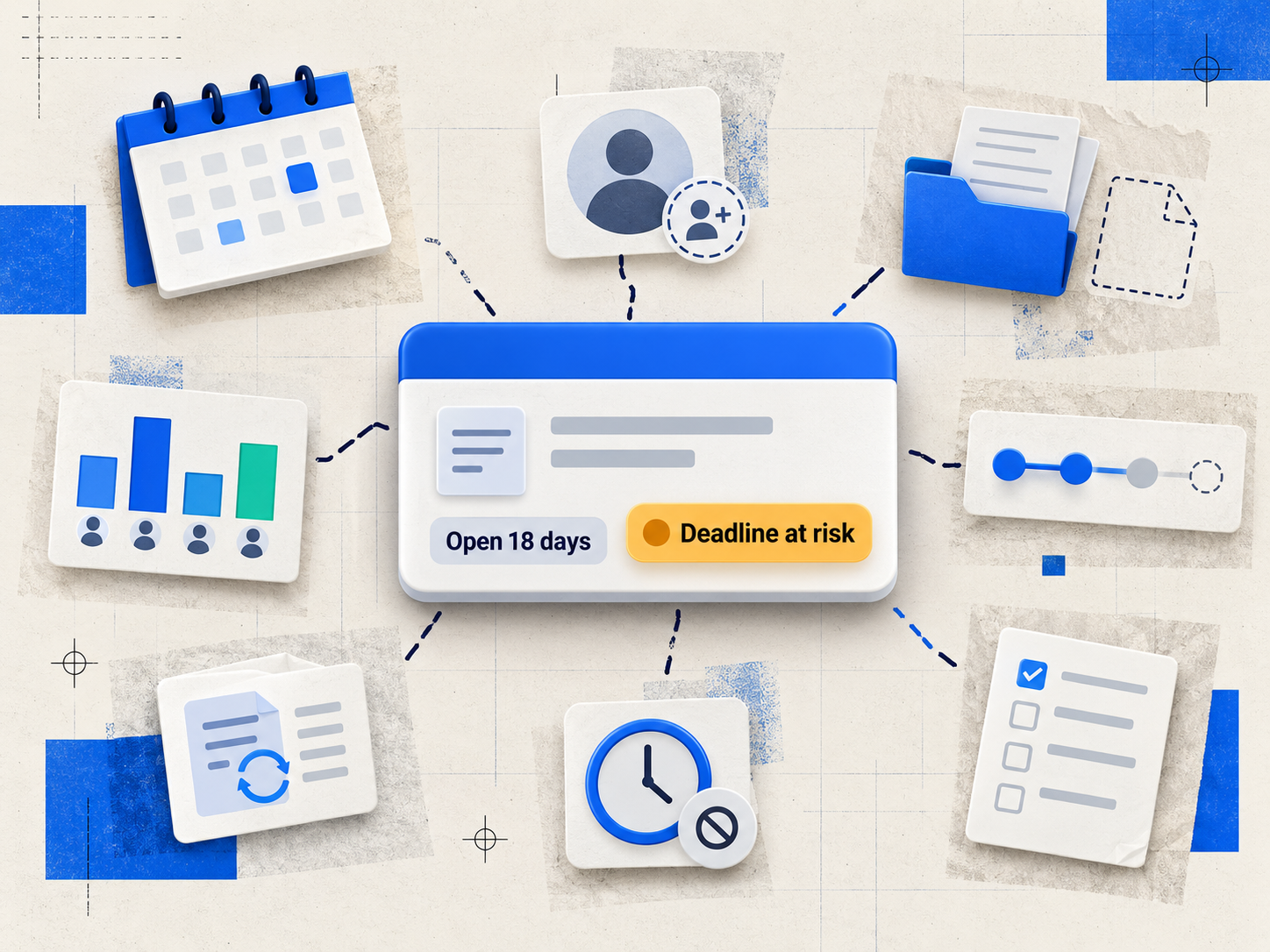
Every accounting firm has a workflow, whether it's written down or not. The question isn't whether you have one. It's whether it's actually working for you. This guide walks through four levels of workflow complexity, from the simplest possible system to the kind large audit teams need, so you can figure out which one fits your firm right now.
Beginner Level Workflow
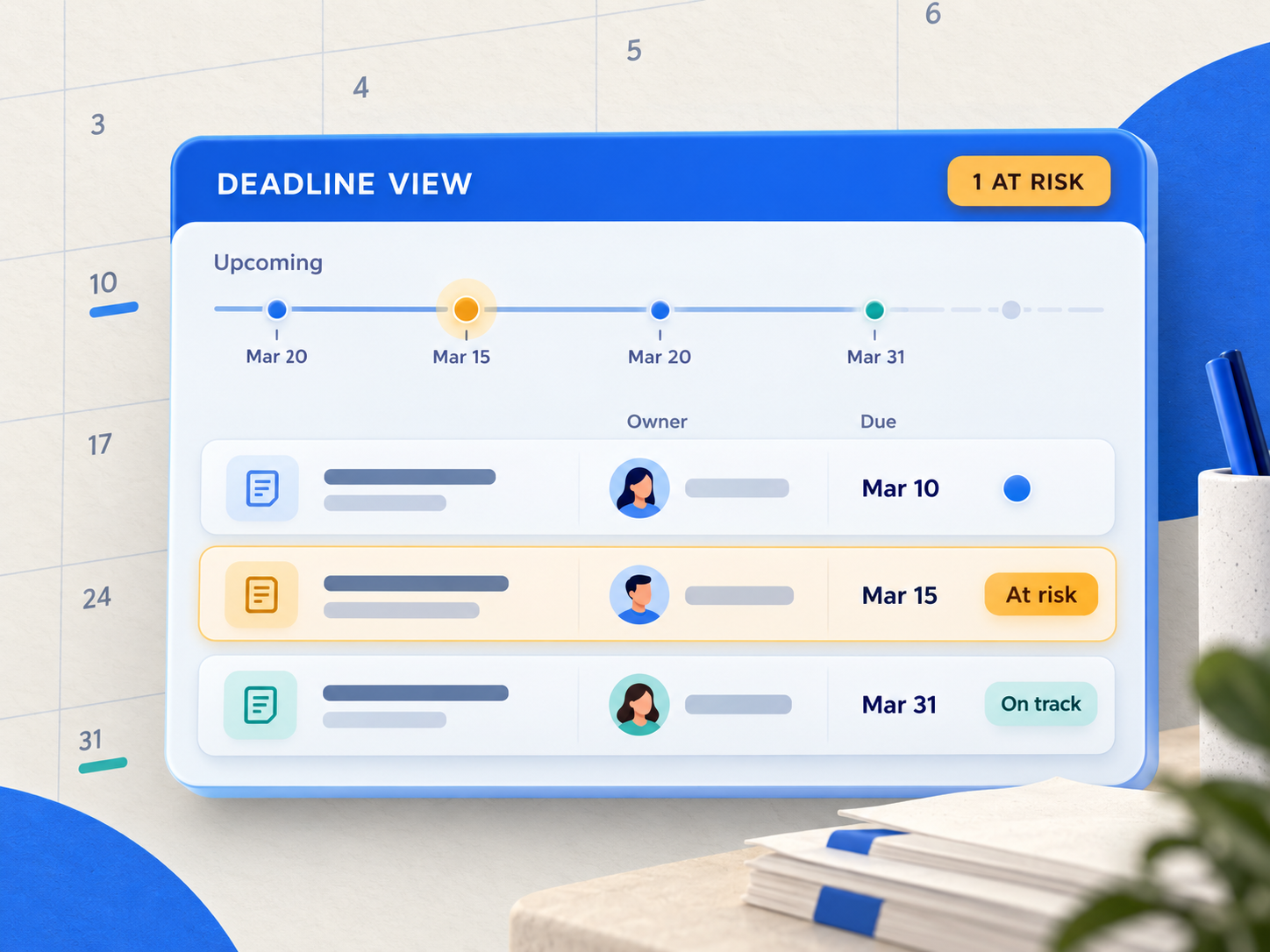
The simplest approach is tracking job due dates, government-mandated or client-imposed, and working backward through the steps needed to hit them. Many firms start here with an Excel spreadsheet, and for a small team with a handful of clients, that can work fine for a while. The limits show up as the firm grows. Spreadsheets don't notify anyone when something's due, don't show who's actually working on what, and get harder to trust the more people are editing them. That's usually the point where firms move to dedicated practice management software.
Basic Features to Consider
The next step up is staff assignment and job-status tracking. Every team member should be able to see what's assigned to them and when it's due. Status labels can be as simple as numbered stages or descriptive ones ("Logged In," "In Progress," "For Review," "Complete"). Most firms find they need seven or fewer statuses, and that can vary by job type.
Adding Budget Monitoring
From there, many firms add job-level budgets. It's a simple way for partners to see whether a job is tracking on time and on cost, and to catch it early if it isn't. Without shared visibility into this, firms tend to run into the gap one long-time customer described before switching: staff entering time inconsistently, with no real way to see productivity across the firm, let alone by client or by project.
Moderate Workflow
At this level, jobs are broken into smaller tasks assigned to specific employees in sequence. In Axis by TPS Software (formerly TPS Cloud Axis), this is built in directly. When someone marks a task complete, the next task in the sequence becomes active and notifies whoever's responsible for it. Our own team calls this a "waterfall." It removes the manual hand-off entirely, so nothing waits on someone remembering to tell the next person it's their turn.
Setting this up takes some initial training and oversight, but once it's running, it runs itself. And because Axis syncs with Outlook 365 and QuickBooks Online, those notifications and status updates stay connected to the tools your team already uses, instead of becoming one more inbox to check.
Moderate Workflow With Budget
This combines the task sequencing above with job-level budgeting, tracking both dollars and hours, so you get deadline visibility and cost control in the same view.
Complex Workflow
The most sophisticated level is what large audit engagements typically need: detailed task sequencing, defined staff assignments, and clear visibility into where a job stands at every stage, without losing sight of overall workload and capacity across the team. In Axis, a few features work together here:
- Reusable workflow templates. Build the task sequence and default assignees once, and reuse it for every similar engagement instead of rebuilding it each time.
- A macro progress view alongside a granular task grid. See the whole job's status at a glance, or drill into individual task detail when you need it.
- The Capacity Planning Tool. See workload across the team, so a complex, multi-task engagement doesn't quietly overload one person while someone else has room to help.
This level suits large audit projects, but it asks for more setup and ongoing maintenance than the simpler levels. Most firms running a complex workflow benefit from appointing someone, often an office manager, to own the process, and from investing time in software-specific training up front. And unlike some competitors, moving to Axis to do it doesn't require committing to annual prepayment first.
Selection Considerations
When choosing a workflow level, weigh your firm's size, the administrative support you actually have, and how much flexibility your software gives you. A complex workflow gives you the most detailed insight, but it also asks for the most time investment. The right level is the one that lets you manage all your jobs and deadlines without the system itself becoming another thing to manage.
Workflow management is part of the Axis Pro plan, starting at $25/user/month, built by a company (TPS Software) that has done nothing but accounting-specific software since 1999, for firms that want structure without unnecessary complexity.
Not sure which level fits your firm? Schedule a free consultation call with our support team. We're happy to talk through your needs and help you find the right setup.